Employee screening guide – Top tools and mistakes to avoid
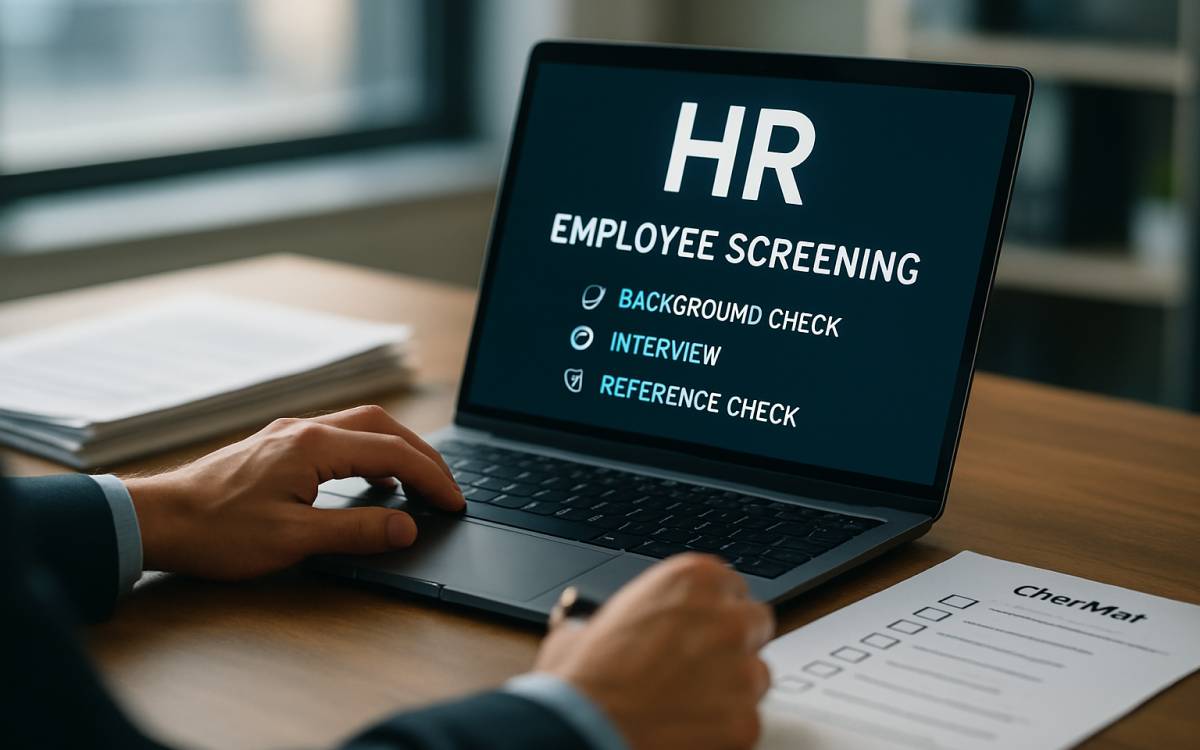
An employee background check is the process of using third parties to vet candidates for career opportunities. These checks involve inspecting public records, law enforcement records, credit bureau reports, and previous employers to obtain information about a candidate beyond what they provide in interviews. This screening process helps uncover past issues that may indicate a candidate is not the best fit for the role, thereby minimizing the risk of poor hiring decisions.
Things to know before conducting employee background checks
The Fair Credit Reporting Act (FCRA) is a federal law governing employee background checks in the country. According to this law, employers are required to obtain explicit consent from candidates before conducting a background check. Employers need to provide them with specific disclosures and notices, emphasizing the need for accuracy, relevance, and transparency in data processing.
The Federal Trade Commission (FTC) and the Consumer Financial Protection Bureau (CFPB) enforce the FCRA’s screening regulations. Both agencies have the authority to take action (including fines and other penalties) against companies that violate FCRA regulations.
Popular background check tools
Checkr
This tool uses machine learning to automate employee screening. A key feature is its seamless integration with over 100 HR and Applicant Tracking System (ATS) tools, including Greenhouse, Workday, Lever, Jobvite, IBM Kenexa, and SmartRecruiters. Checkr can be accessed through its website and a mobile-friendly portal.
Due to the powerful technology that underpins it, this tool delivers quick and accurate turnaround times for candidate verification requests. For these reasons, businesses of all sizes with high-volume hiring needs can effectively use it. The starting price is around $29.99 per check.
HireRight
This tool offers customized solutions to employers in specific industries or for international hiring. It conducts global checks in more than 200 countries. Some of its highlights are seamless ATS and payroll integration, and in-depth research to verify a candidate’s employment history and educational background. This tool costs about $39.95 per check.
First Advantage
This software is often used by organizations with global hiring needs and in heavily regulated industries such as finance and business administration. First Advantage checks criminal records, employment history, and educational verification of candidates. HR managers in organizations can easily integrate this tool into their workflows and use it extensively for e-verification. The tool is available for around $29 per check.
Some other popular tools include IntelliCorp and Xref.
Step-by-step guide for employee background verification
Obtain written consent
Employers need written consent from the candidate before initiating a background check.
Choose a consumer reporting agency (CRA)
Recruiters must hire a reputable CRA to conduct the screening. They should also ensure the CRA complies with the FCRA guidelines and provides up-to-date, accurate information.
Provide disclosure
Provide a clear and conspicuous disclosure report explaining that a background check will be conducted and outlining the candidate’s legal rights, including the right to review the report.
Review state laws
Some states have additional requirements for workforce background checks. So, recruiters need to be aware of state-specific verification laws and regulations.
Conduct the background check
This screening includes close inspection of criminal records, credit history (if relevant for the job position), employment history, education verification, and other reference checks.
Adverse action process
In some cases, the employer may receive information indicating that the candidate is not suitable for hire. This situation is referred to as an adverse employment decision. When this occurs, the employer is required to provide a pre-adverse action notice, a copy of the report, and a summary of the candidate’s rights under the FCRA.
Allow for dispute
Candidates can dispute the information in the report. In such scenarios, the employer should allow them to correct any inaccuracies with the CRA in the report.
Final adverse action
If the candidate has not successfully disputed the information in the report, employers may take final adverse action after a reasonable period.
Maintain compliance
Recruiters need to ensure ongoing compliance with the FCRA, its guidelines, and other relevant laws throughout the screening process. This includes proper record-keeping and disposal of background check information.
Respect the candidate’s privacy
Employers are legally obligated to respect candidates’ privacy by handling their personal information with care and confidentiality throughout the verification process.
Mistakes to avoid during background checks
- Checks are limited to the national criminal history database
- Not obtaining consent from candidates before screening them
- Using social media as the only information source
- Relying solely on automated software (ideally, companies need to use a mix of service providers and tools)
- Skipping background checks on vendors, contractors, and temporary workers