
Banking App Security: What the Padlock Icon Doesn't Tell You

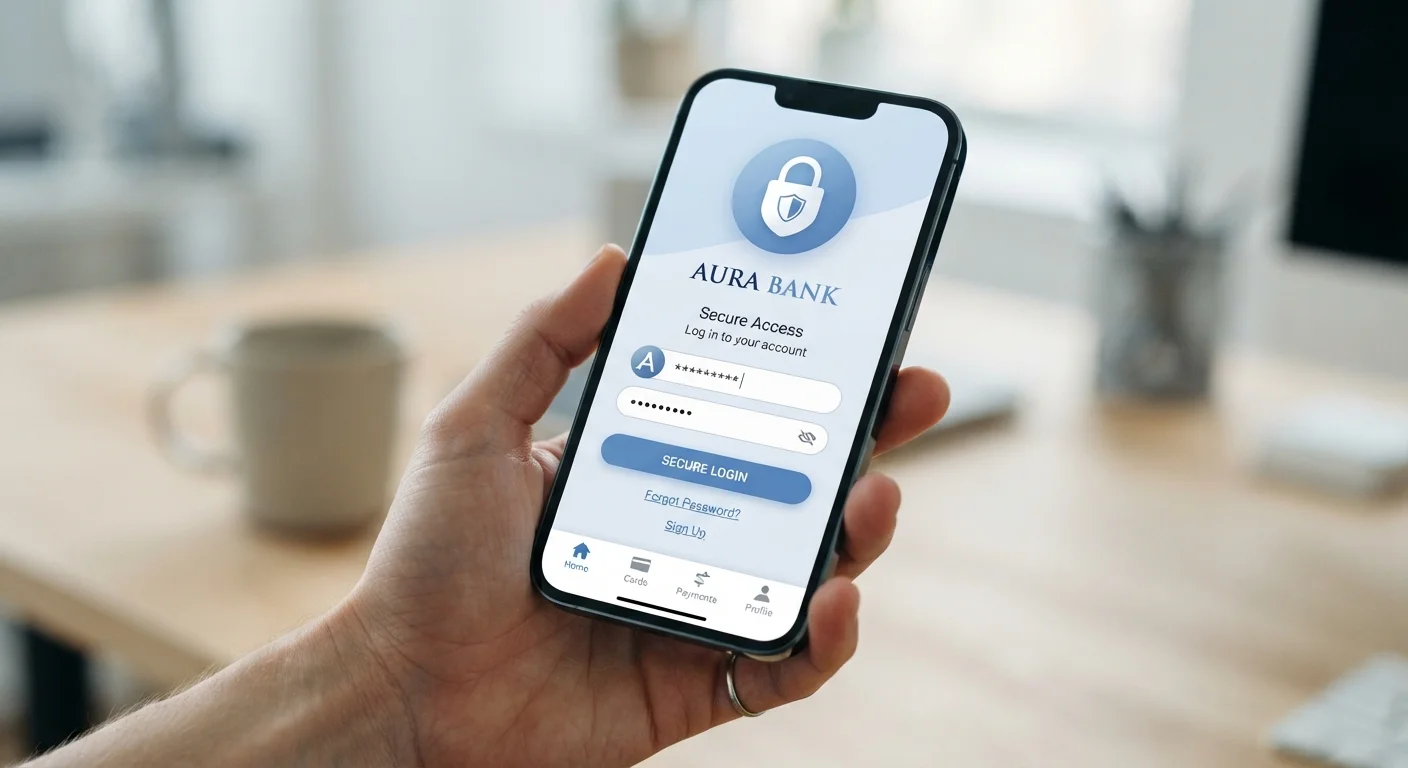
Photo: MoneyOnMind.net | Navigate Money With Clarity editorial
Key Takeaways
- The padlock icon only confirms data is encrypted in transit, not that your account is fully secure.
- Banks use multiple security layers including multi-factor authentication, biometrics, and behavioral fraud detection.
- Your own device hygiene and habits are a significant part of your security posture.
- FDIC insurance protects deposits against bank failure, not against fraud or unauthorized transfers.
- Enabling app notifications for every transaction is one of the fastest ways to catch unauthorized activity.
What the Padlock Actually Tells You
When you open your banking app or visit your bank's website, you may notice a padlock icon in the address bar. Many people interpret this as a green light for security - proof the site is safe. In reality, the padlock has a narrower job: it confirms that your connection is protected by TLS encryption, meaning data traveling between your device and the bank's server cannot easily be intercepted by a third party on the same network.
That is genuinely valuable. It means someone sitting at the same coffee shop cannot eavesdrop on your login credentials. But the padlock says nothing about what happens to your data once it reaches the bank's servers, whether the app itself is free of vulnerabilities, or whether someone with your password could simply log in from another device. Encryption in transit is one safeguard in a much longer chain.
For a broader picture of how digital banking tools are built and what they're actually doing behind the scenes, see Digital Banking Explained.
The Security Layers Banks Actually Use
Modern banking apps are built on several overlapping defenses. Understanding them helps you make smarter choices about how you use your account.
80%+
Of account takeovers involve credential theft
According to the FBI's Internet Crime Complaint Center, phishing and credential-based attacks remain the leading cause of financial account compromises.
$250,000
FDIC deposit insurance limit per depositor
The FDIC insures deposits up to this limit per depositor, per institution - covering bank failure, not fraud losses.
99%+
Of major bank apps use biometric login
Biometric authentication has become a near-universal feature in US retail banking apps, according to industry research on mobile banking adoption.
- Multi-Factor Authentication (MFA): Requires a second proof of identity beyond your password - typically a one-time code sent via SMS, email, or generated by an authenticator app. Even if someone steals your password, MFA blocks access without the second factor.
- Biometric authentication: Fingerprint and facial recognition add a layer tied to your physical device and body, making remote account takeovers significantly harder.
- Device fingerprinting: Banks register trusted devices and flag logins from unrecognized hardware or locations, often triggering additional verification steps.
- Behavioral fraud detection: Machine learning models track your spending patterns. An unusual transaction - say, a large wire transfer to a new recipient at 2 a.m. - can trigger an alert or a temporary hold, often before you even notice.
- Session timeouts: Apps automatically log you out after a period of inactivity, limiting exposure if you leave your phone unattended.
These systems work together, and most operate invisibly. You experience them only when something looks suspicious - which is precisely the point.
FDIC Insurance Does Not Cover Fraud
What Banks Cannot Control - And What You Can
Banks secure their infrastructure, but they cannot control your device, your network habits, or whether you share your credentials. A significant share of account compromises trace back to user-side vulnerabilities rather than bank-side failures.
Turn On Every Transaction Alert
Here are the habits that make the biggest practical difference:
- Keep your OS and app updated. Security patches close known vulnerabilities. Running outdated software leaves gaps that attackers actively target.
- Enable transaction notifications. Real-time alerts for every debit or transfer let you catch unauthorized activity immediately. Under federal Regulation E, prompt reporting is key to limiting your liability.
- Avoid public Wi-Fi for banking. Even with TLS encryption, unsecured networks create unnecessary risk. Use your cellular data connection or a trusted VPN.
- Use strong, unique passwords. A password manager helps you maintain distinct credentials for your banking app versus every other account you hold.
- Review connected apps. If you use budgeting or investment tools that link to your bank through open banking, periodically audit which apps have access. Revoke permissions you no longer use. Learn more about how this works in our piece on Open Banking infrastructure.
For guidance on building these habits into your daily app use, Getting the Most from Your Banking App covers the fundamentals in practical detail.
This article is for general informational purposes only and does not constitute personalized financial, legal, or cybersecurity advice. Consult a qualified professional and review your bank's specific policies for guidance relevant to your situation.
Frequently Asked Questions
The content on this site is for informational purposes only and is not a substitute for professional advice. Always consult a qualified professional for guidance specific to your situation.