
Modern Banking Tools

Moving Your Banking Online: A Step-by-Step Transition Checklist

Moving Your Banking Online: A Step-by-Step Transition Checklist

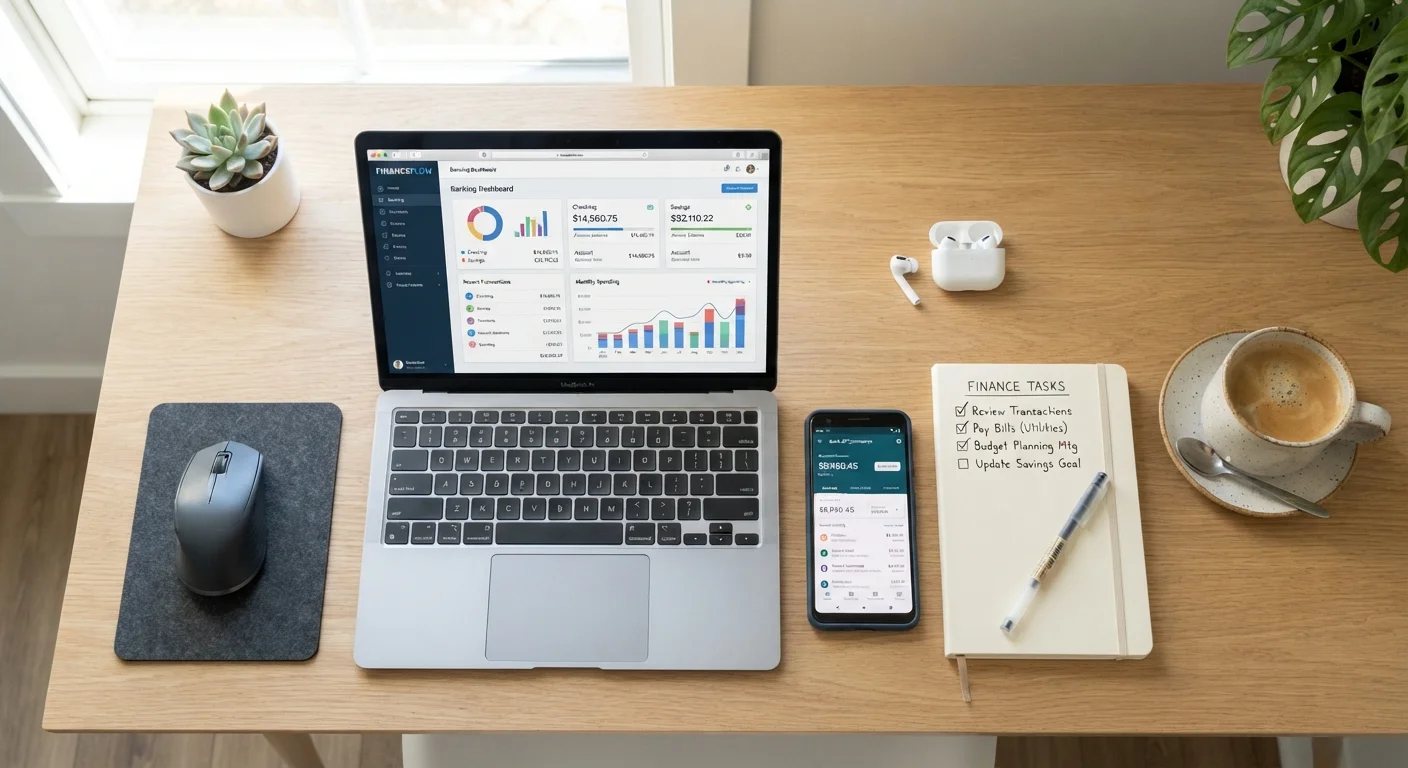
Photo: MoneyOnMind.net | Navigate Money With Clarity editorial

Switching to digital banking involves more than downloading an app. Use this checklist to migrate accounts, direct debits, and payees safely.

Key Takeaways

  • Open and fully verify your new digital account before closing any existing accounts.
  • Audit all automatic payments and direct deposits before switching — missing one can cause fees or missed bills.
  • Keep your old account open for at least 60 days to catch any straggler transactions.
  • FDIC insurance applies to most digital bank accounts just as it does to traditional ones — verify before depositing.
  • Digital banks typically offer fewer in-person options; plan for cash needs in advance.

Why a Checklist Matters for This Transition

Switching to an online bank sounds simple — download an app, open an account, and go. In practice, most people underestimate how deeply their current bank account is woven into their financial life. Recurring subscriptions, payroll direct deposits, automatic loan payments, and linked investment accounts all need to be updated individually. Miss one, and you risk a missed payment, an overdraft fee, or a bounced transaction.

Digital banking covers far more than a mobile app — it changes how you interact with your money daily. That's precisely why a structured, step-by-step approach protects you during the transition. Work through this checklist in order: each phase builds on the last, and skipping ahead creates gaps.

Never Close Your Old Account First

A common and costly mistake is closing the original bank account before all payments and deposits have migrated. Automatic payments that hit a closed account can trigger returned-payment fees from billers and may affect your credit if a loan payment fails. Keep both accounts active and funded during the overlap period — at minimum 60 days.

Tools You'll Need

Before you begin, gather these resources. Having everything in one place prevents you from stopping mid-process to hunt for login credentials or account numbers.

Required

Last 90 days of bank statements

Reveals all recurring charges and income sources so nothing is missed during migration.

Required

List of billers and subscription accounts

Serves as your master checklist for updating payment methods one by one.

Required

Employer's HR or payroll portal login

Required to update your direct deposit routing and account details.

Required

FDIC BankFind tool (fdic.gov)

Lets you verify that your chosen digital bank is federally insured before depositing funds.

Optional

Password manager

Helps you securely store logins for your new banking account and all linked services.

Optional

Spreadsheet or notes app

Track which billers have been updated and which are still pending during the transition.

The Transition Checklist

Work through each group below in sequence. The Preparation phase is the most critical — rushing past it is the most common cause of transition problems. Once you've completed the Migration phase, the Wrap-Up steps ensure nothing gets left behind.

Preparation

Research and select a digital bank that carries FDIC insurance — confirm this on the FDIC's BankFind tool before depositing any funds. Must
Open your new digital account and complete full identity verification (government ID upload, SSN confirmation) before touching your old account. Must
Make a complete list of every automatic payment linked to your current account — subscriptions, utilities, insurance premiums, loan payments, and any scheduled transfers. Must
Identify all sources of income that deposit directly to your current account, including your employer's payroll, freelance platforms, and government benefits. Must
Download or print the last 90 days of bank statements to capture any irregular or quarterly payments you might otherwise miss. Should
Note your current account's routing and account numbers — some payees require these when you submit change requests. Must

Funding and Account Setup

Transfer a small initial deposit to your new account and confirm it arrives within the expected timeframe before moving larger sums. Must
Set up online bill pay in your new account and add at least one payee as a test before relying on the feature. Should
Enable two-factor authentication (2FA) and review all security settings on your new banking app. Must
Order a debit card and confirm delivery before deactivating access to your old card. Must
Link any external accounts — investment platforms, payment apps — to your new bank account and verify the test micro-deposits. Should

Migration

Update your direct deposit instructions with your employer's HR or payroll system, providing your new routing and account numbers. Must
Log in to each biller and subscription service individually and update the payment method to your new account or new debit card. Must
Notify any government agencies (Social Security, IRS for tax refunds) of your new bank details using their official portals. Must
Recreate any standing transfers or savings schedules — such as automatic savings rules — in your new account. Should
Update payment information stored in digital wallets (such as Apple Pay or Google Pay) to reflect your new debit card. Should

Wrap-Up

Keep your old account open and funded with a small buffer for a minimum of 60 days to catch any lagging automatic payments. Must
Monitor both accounts weekly during the transition period to confirm no payments hit the old account unexpectedly. Must
Request a final statement or account history from your old bank before closing it, and save it for your records. Should
Formally close your old account in writing once you are confident all transactions have migrated — do not simply let it go dormant, as inactivity fees may apply. Should
Review your new account's fee schedule and set up low-balance alerts to avoid any monthly maintenance charges. Nice to have
Explore automation features in your new account — such as round-up savings or scheduled transfers — to make the most of the switch. Nice to have

Watch Out for Dormant Account Fees

If you stop using your old account but leave it open indefinitely without a formal closure, some banks charge inactivity or dormancy fees after a set period — often six to twelve months. These fees can quietly drain a small remaining balance. Once you're confident the migration is complete, close the old account formally and request written confirmation.

After completing the full transition, run through our new account verification checklist to confirm your digital account is fully active and correctly configured. You may also want to explore banking automation features that can make your new digital setup work harder for you automatically.

This article is for general informational purposes only and does not constitute personalised financial, legal, or tax advice. Banking products, terms, and FDIC coverage eligibility vary by institution. Consult a licensed financial professional before making decisions based on your specific circumstances.

Banking Essentials Editorial Team

MoneyOnMind.net | Navigate Money With Clarity

Banking Essentials Editorial Team is the collective byline for our editorial team and contributor network. Articles published under this byline or an editorial pen name are researched, written, and reviewed according to our editorial standards for clarity, consistency, and independence before publication.

Bank Account BasicsFees & Fine PrintModern Banking Tools
View author profile

The content on this site is for informational purposes only and is not a substitute for professional advice. Always consult a qualified professional for guidance specific to your situation.