
Why Your Digital Bank's Budgeting Tool Isn't Working for You

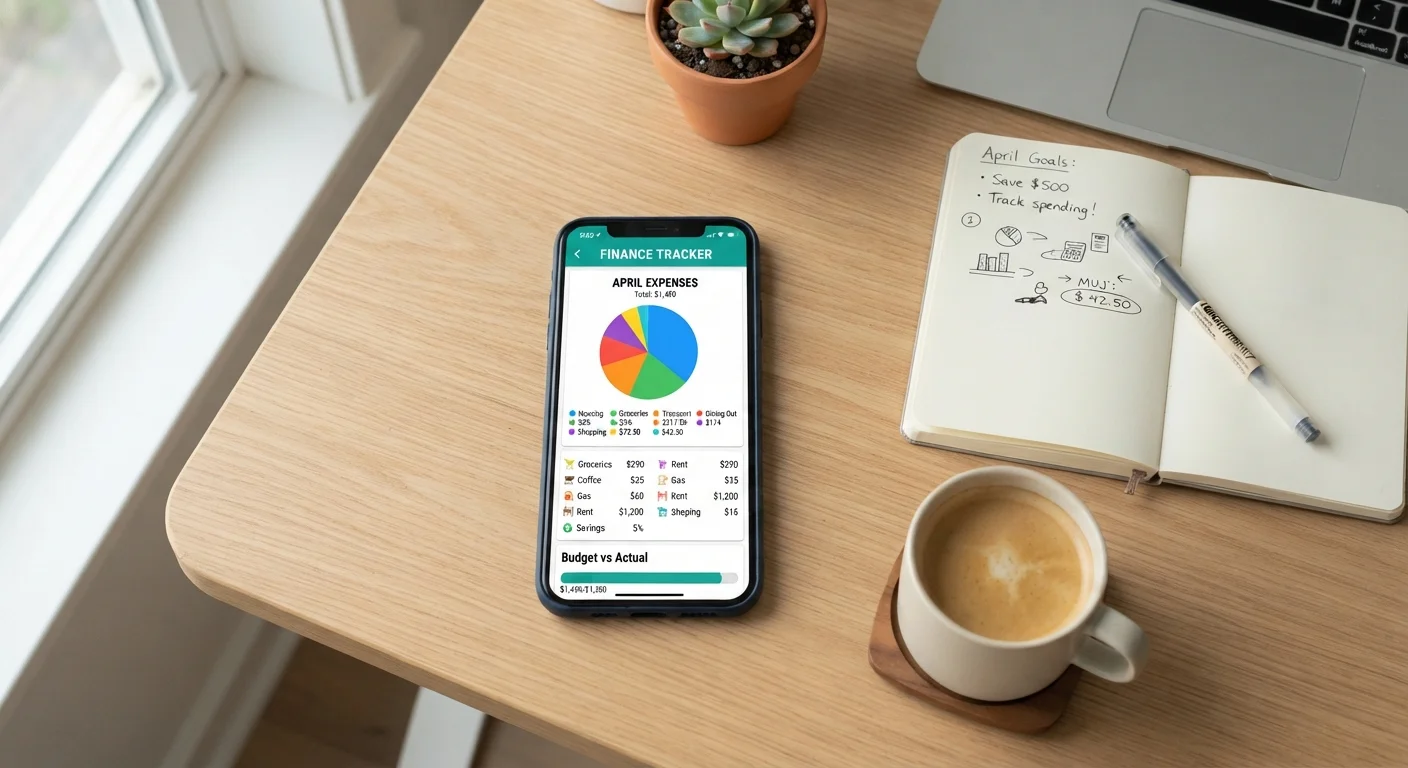
Photo: MoneyOnMind.net | Navigate Money With Clarity editorial
Key Takeaways
- Auto-categorization errors silently distort your spending picture if left uncorrected.
- Setting budgets without reviewing past spending produces unrealistic targets that quickly collapse.
- Tracking only one account while spending across several creates a false sense of control.
- Passive monitoring without a weekly review habit turns budgeting tools into unused dashboards.
- Spending alerts lose their effectiveness when set too broadly or consistently dismissed.
The Gap Between a Good Tool and a Working Budget
Digital banks have made budgeting infrastructure genuinely impressive. Automatic transaction categorization, real-time spending alerts, visual breakdowns by category - features that once required third-party software are now embedded directly in your checking account app. Yet many users open their budgeting dashboard once, feel vaguely informed, and then watch the month end without any meaningful change in their habits.
The problem is rarely the technology. It's how the tool is being used - or not used. Built-in budgeting features are designed to surface information, but they require your active participation to translate that information into behavior change. Understanding the specific patterns that undermine these tools is the first step toward making them genuinely useful. For a broader look at the trade-offs of digital-only banking, see Going Fully Digital with Your Finances: Trade-Offs Worth Knowing.
Common Mistakes That Undermine Digital Budgeting Tools
The following errors are widespread among digital banking users who feel their budgeting tools aren't delivering results. Each one is fixable once you recognize it.
Trusting auto-categorization without spot-checking it.
Setting spending limits without anchoring them in actual past spending.
Only connecting one account while spending flows through several.
Setting spending alerts at levels that trigger constantly or not at all.
Treating the end-of-month summary as the primary feedback loop.
~33%
Budgeting app users who actively engage weekly
Industry estimates suggest roughly one-third of people who set up app-based budgets review them at least once a week; the majority open them far less frequently.
3-4
Accounts the average US adult actively uses
Federal Reserve consumer finance surveys indicate most US adults hold multiple active payment accounts, making single-account tracking systematically incomplete.
Turning Passive Tracking Into an Active Practice
The single most impactful change most users can make is scheduling a short weekly review - ten minutes to open the app, confirm categories are correct, and check progress against each budget line. Passive monitoring, where you glance at push notifications and assume things are on track, rarely creates lasting change. Research in behavioral finance consistently suggests that deliberate, scheduled check-ins improve financial decision-making more than real-time alerts alone. For more on whether those alerts actually shift behavior, see Instant Notifications and Spending Insights: Do They Actually Change Behaviour?.
Don't Conflate Visibility With Control
If your digital bank supports compartmentalized savings features - sometimes called pots, vaults, or envelopes - those tools work best in combination with a functioning budget. Savings Pots, Vaults, and Envelopes: How Digital Budgeting Tools Differ explains when each approach is most effective. And if your budget keeps collapsing regardless of the tools you use, Why Your Budget Keeps Falling Apart After Week One addresses the underlying behavioral causes.
This article is for general informational and educational purposes only. It does not constitute personalized financial advice. For guidance specific to your financial situation, consult a qualified financial professional.
The content on this site is for informational purposes only and is not a substitute for professional advice. Always consult a qualified professional for guidance specific to your situation.